
Manatee County Same-Day Arrest Window
The Manatee County Sheriff's Office does not offer a feed labeled 24-hour or 48-hour arrests. Its official Arrest Inquiries page opens the live booking application. The public inquiry covers people currently in custody. It also includes anyone released in the prior 90 days. For a same-day question, use the arrest-date or booking controls you can see. Read their labels before drawing any conclusion.
Jail intake continues around the clock. The Sheriff describes it as property processing, medical screening, fingerprinting, photographing, and database checks. Several arrivals at once, or a slow state or national database, can stretch that work. An arrest can happen well before a searchable booking entry shows up.
Check Manatee County Arrests Today
Start with the government source. Write down the details so you can repeat the check later. The public interface can change, so trust only the controls actually on the screen instead of assuming a calendar filter exists.
- Open the official MCSO Arrest Inquiries wrapper and continue to the live booking application.
- Enter the exact last and first name, or the booking number when known. Check spelling and middle-name fields carefully.
- Use the visible arrest-date field if the application offers it. Do not silently substitute a booking date for an arrest date.
- Turn on Show Released Inmates when available, since a brief same-day custody event may already have ended.
- Record the booking number, listed charge, arrest date, and release status. Recheck later if intake may still be underway.
- For a time-sensitive custody question, call Central Jail booking at (941) 723-5132 or jail information through (941) 747-3011 ext. 2915.
Use the Weekly Arrest Log for the wider window covering released people. Once the right person is confirmed, the VINELink Inmate Check explains how custody alerts work.
Fields in the Daily Arrest Report
The Manatee booking screen lists its fields with plain labels. The county publishes only some of them online. What the public sees is a subset of the full booking record, not the whole file.
| Field | How to read it |
|---|---|
| Booking # | A useful locator for the specific jail intake record. |
| Last, First, Middle | Name components used to distinguish similar matches. |
| Charge | The charge listed at booking, not a finding of guilt or final court result. |
| Arrest Date | The arrest date shown by the public application; verify whether a time is displayed. |
| Released Date | A release marker for records included through the released-person window. |
| Show Released Inmates | A control that can reveal a person no longer in current custody. |
MCSO confirms that photographing happens during intake. Its public wrapper does not promise a booking photo in every result. If no image appears, skip third-party copies entirely. The MCSO jail information page describes the intake setting behind these records.
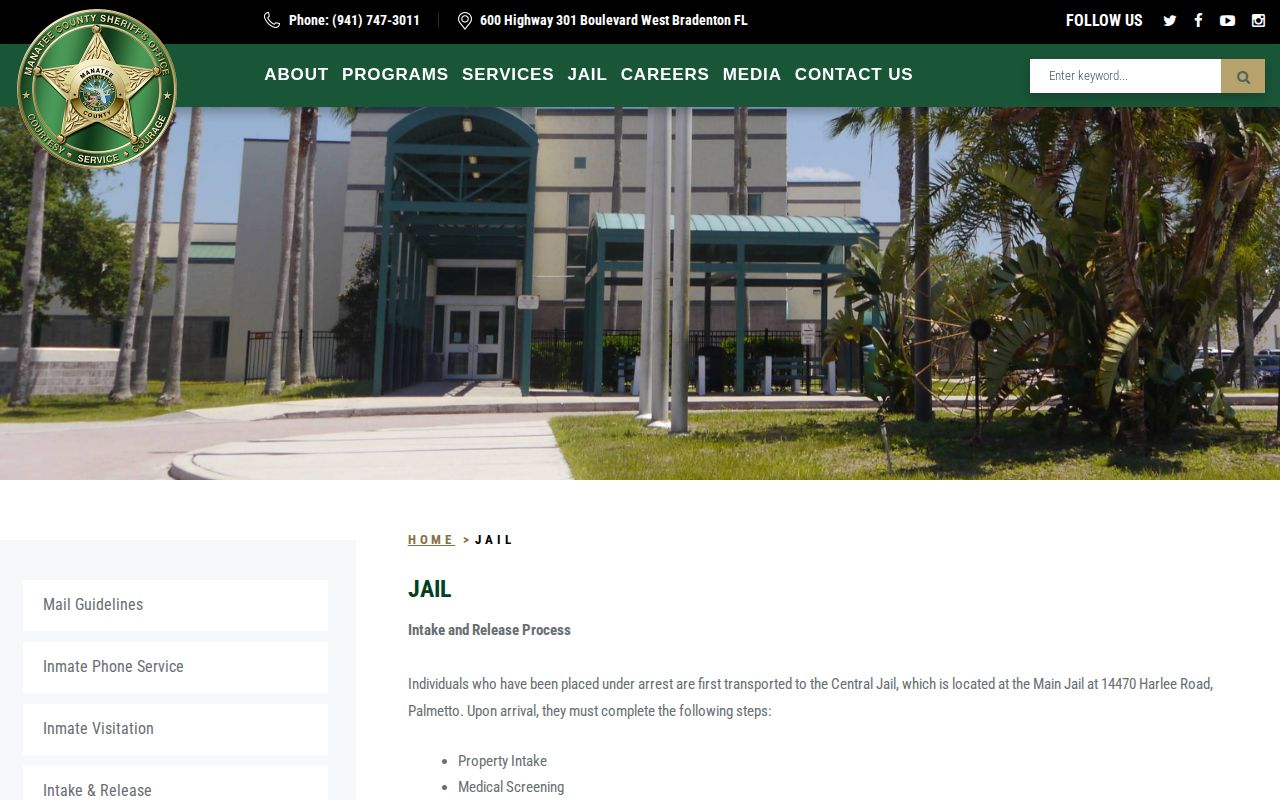
This official page also explains processing delay, including why arrest time and a finished booking entry can differ.
When a Same-Day Booking Is Missing
Start by repeating the official name search, released people included. If the matter is urgent, call the Central Jail lines. For a written record, reach the MCSO Records Section at (941) 747-3011 ext. 2295 or ext. 2364. A written request should list the full name, date of birth, arrest or booking date, booking number, arresting agency, and the exact item you want.
That office runs Monday through Friday, 8:00 a.m. to 5:00 p.m., closed weekends and holidays. Jail intake never pauses for that schedule. MCSO posts a mailed-report fee of $1 per report with a self-addressed stamped envelope, but lists no separate booking-photo price or turnaround promise. Ask for a current estimate before sending payment.
Note: A court filing may appear on a different timetable, so the Clerk search is a later case check, not an intake substitute.
Manatee Booking Charges and Innocence
A daily arrest entry is a snapshot of custody, not the whole case. Charges can change as things move forward. They may be amended, reduced, or dismissed. For later filings, use the Manatee Clerk court-record hub. The Sheriff's roster shows who entered or recently left county custody. The Clerk carries the court case itself. Note the date of any search, since custody and case status both change with time.
First Appearance Can Change Status
MCSO says people who do not bond routinely see a judge within 24 hours. First-appearance results reach the jail at about 4:00 p.m. on weekdays and about 11:00 a.m. on weekends. Those are timing clues for bond and court results, not promises that the public roster refreshes on that schedule.
A bond field or release status can change after the first entry. Supervised release screening sometimes takes longer too. When precision matters, note your search time. Then check again after the court result reaches booking.
MCSO Mobile Arrest Search
The official MCSO app page describes a mobile app. It supports arrest searching, tip submission, and public-safety information. The agency also links an Apple App Store listing. Neither promises a photo feed, a faster refresh, or a longer arrest archive. Think of the app as another door to official MCSO services. If the app and website disagree, confirm the booking number. Then confirm current status with the jail.
Which Manatee Record to Check
The right record depends on where a person stands in the system. Someone just arrested may still be in intake. A booked person belongs in the MCSO inquiry. A released person may need the released-inmate control. A sentenced state prisoner shows up in the Florida Department of Corrections search. That person will not appear on the county roster.
| Question | Best official path |
|---|---|
| Was intake completed today? | MCSO live booking application, then Central Jail booking line. |
| Was the person released? | Show Released Inmates in the MCSO inquiry. |
| What happened in court? | Manatee Clerk records and the filed case. |
| Can I receive custody alerts? | Florida VINELink after confirming the correct person. |
| Do I need an older booking file? | MCSO Public Records with a defined date range and record type. |
Two different things get confused here. A Manatee County arrest stays visible on the inmate screen while the person is in custody, and for roughly 90 days after release. Record destruction follows a separate clock. Florida's GS2 schedule keeps Booking Records and Commitment and Release Lists for at least one full year past the release date.
Reading Official Manatee Sources
Phone calls often beat searches. The MCSO contact page lists extensions for jail booking, Records, Warrants, and the courts, so an unclear online result can be routed to whichever office actually holds the answer. Check the official MCSO contact directory before dialing, since the right line saves real time.
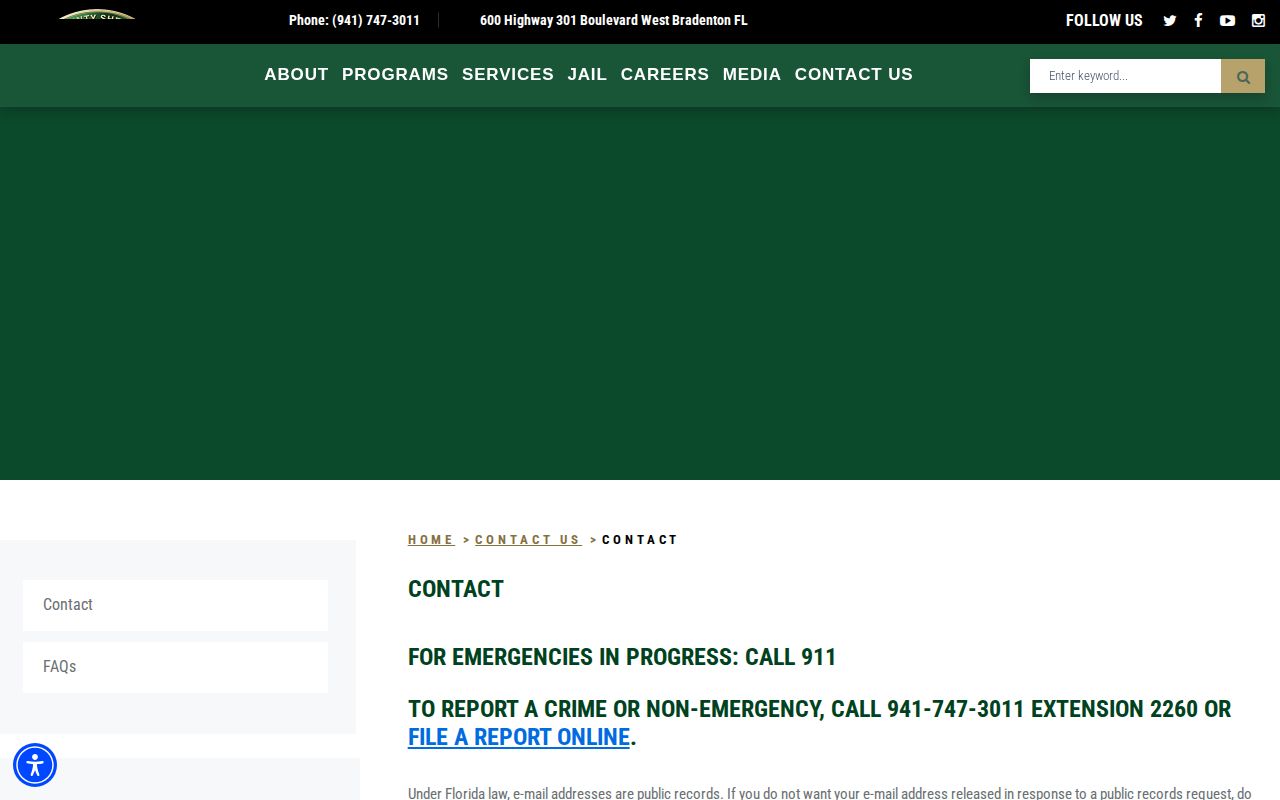
The capture helps separate a current jail-status call from a formal records request.
Note: Record a search time and source because a same-day custody status can change after bond, release, or transfer.
Request a Dated Manatee Booking List
Want every Manatee County arrest for a single date, not just one name? Ask MCSO Records for the Commitment and Release List covering that 24-hour window. Florida GS2 Item 22 defines this series. It is simply the roster of people booked and released during a day.
The list may include booking number, name, charge, court, officer, bond, release method, and return date. Not every field shows up in every Manatee record, though. The schedule does not promise that.
So be specific when you ask. Give the calendar date. Cite Item 22. Request the electronic format and a cost estimate. That precision beats asking for everyone arrested today, and it still works after the live screen changes.
One more thing. Arrests out of Bradenton, Palmetto, or Holmes Beach belong to those police departments for incident reports, while MCSO keeps the jail booking list itself.